 App!
App!






Step 01
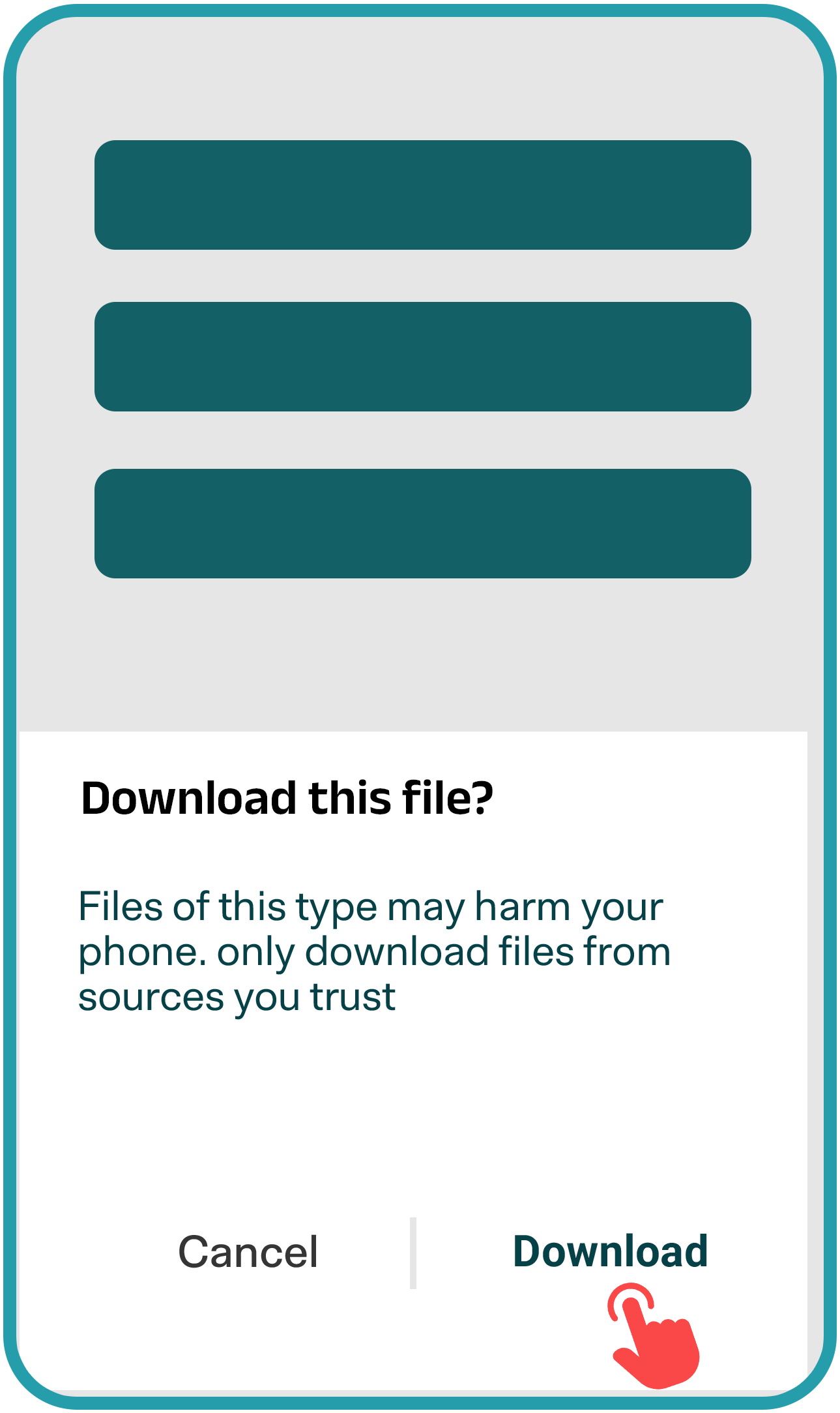
Click “Download” to begin
Step 02
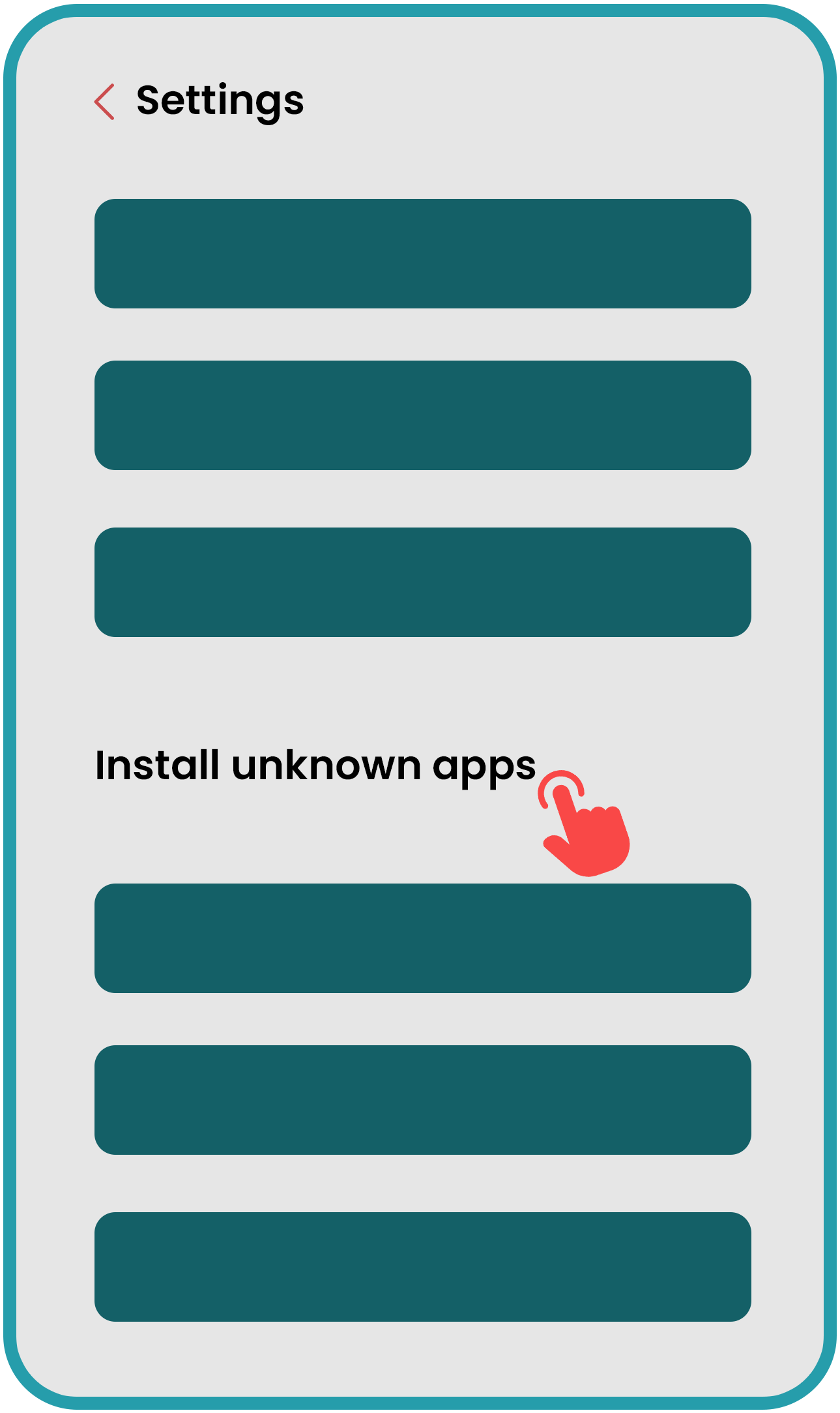
Open “Install Unknown apps” in Settings
Step 03
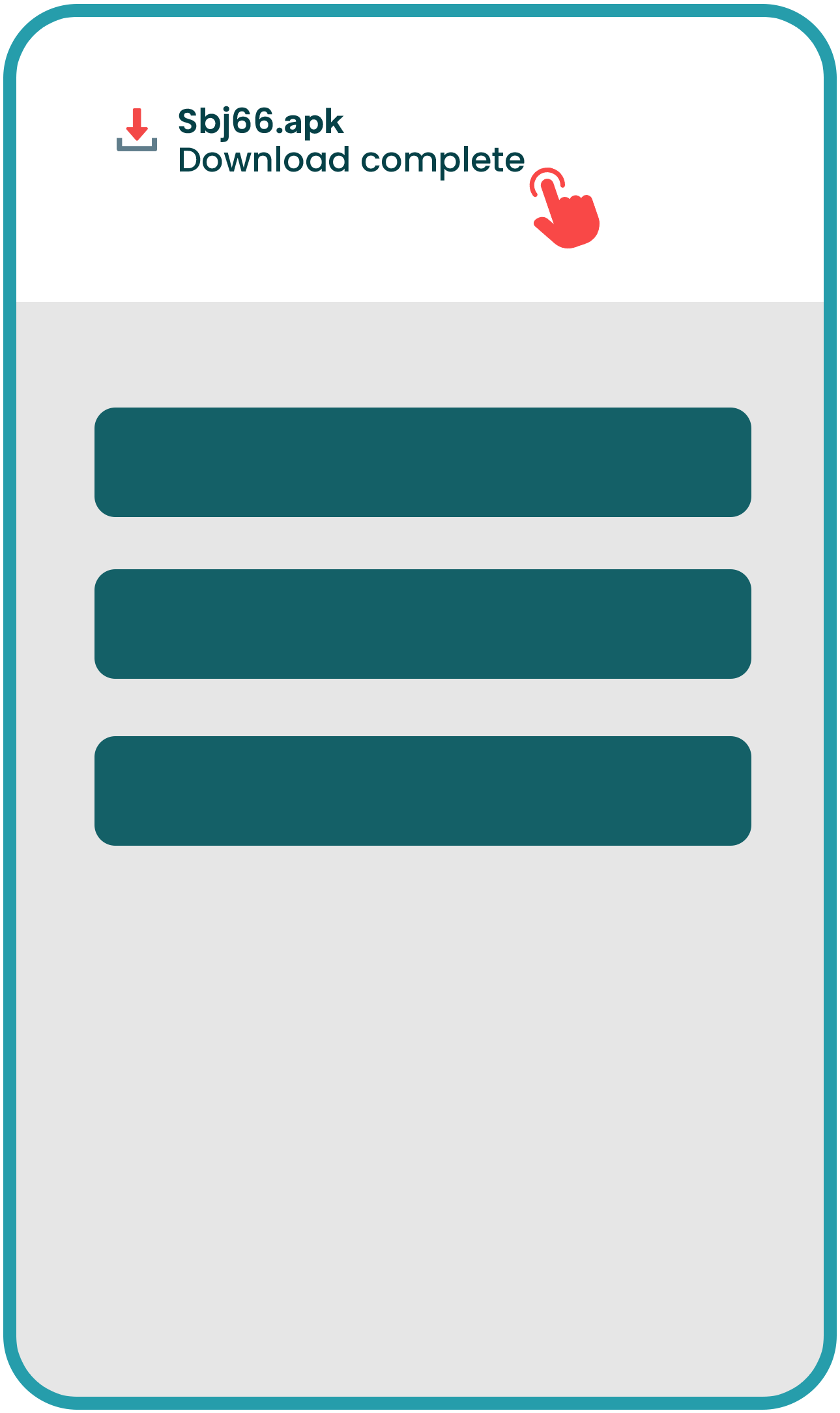
Selct the download app file
Step 04
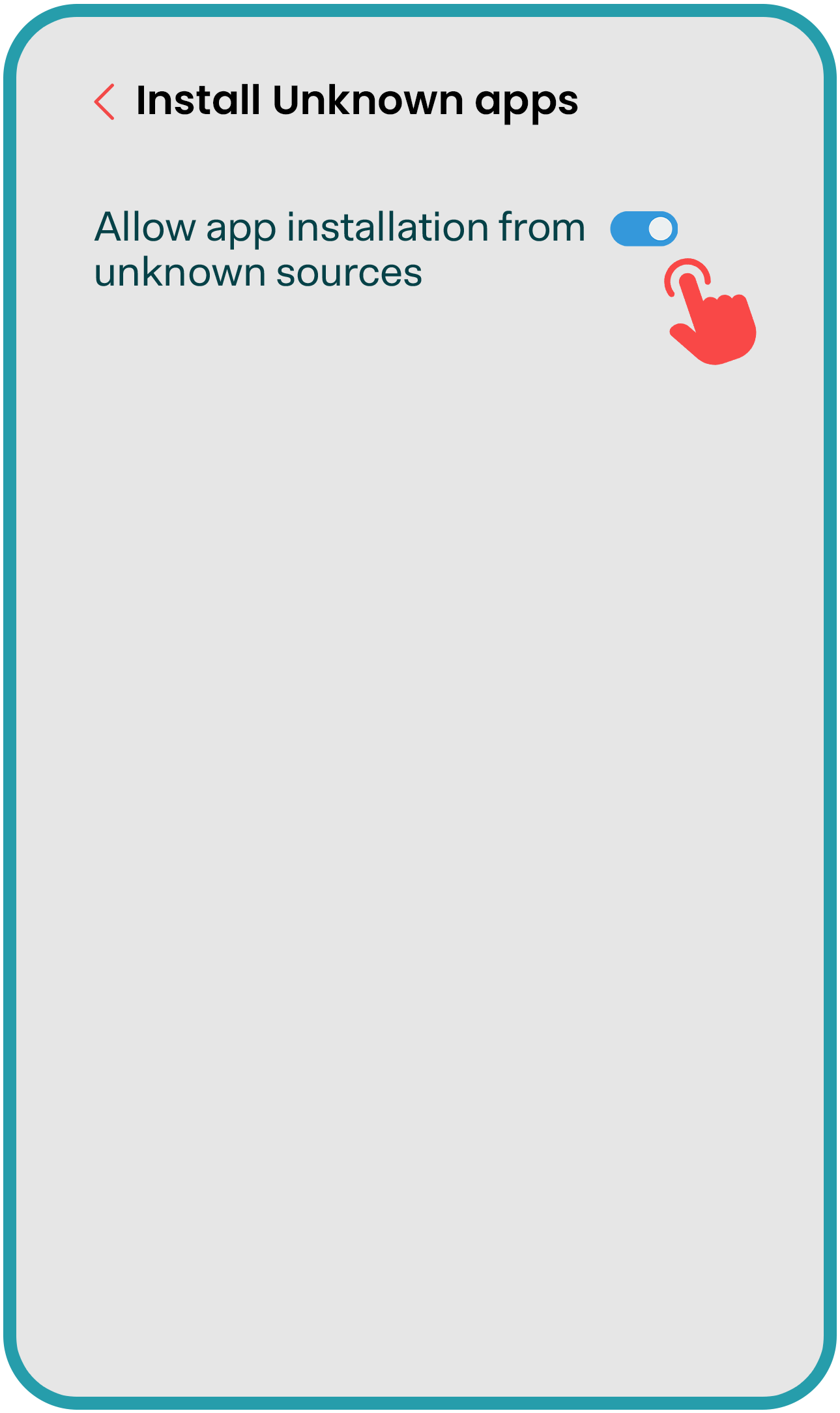
Allow Installation from unknown sources
Step 05
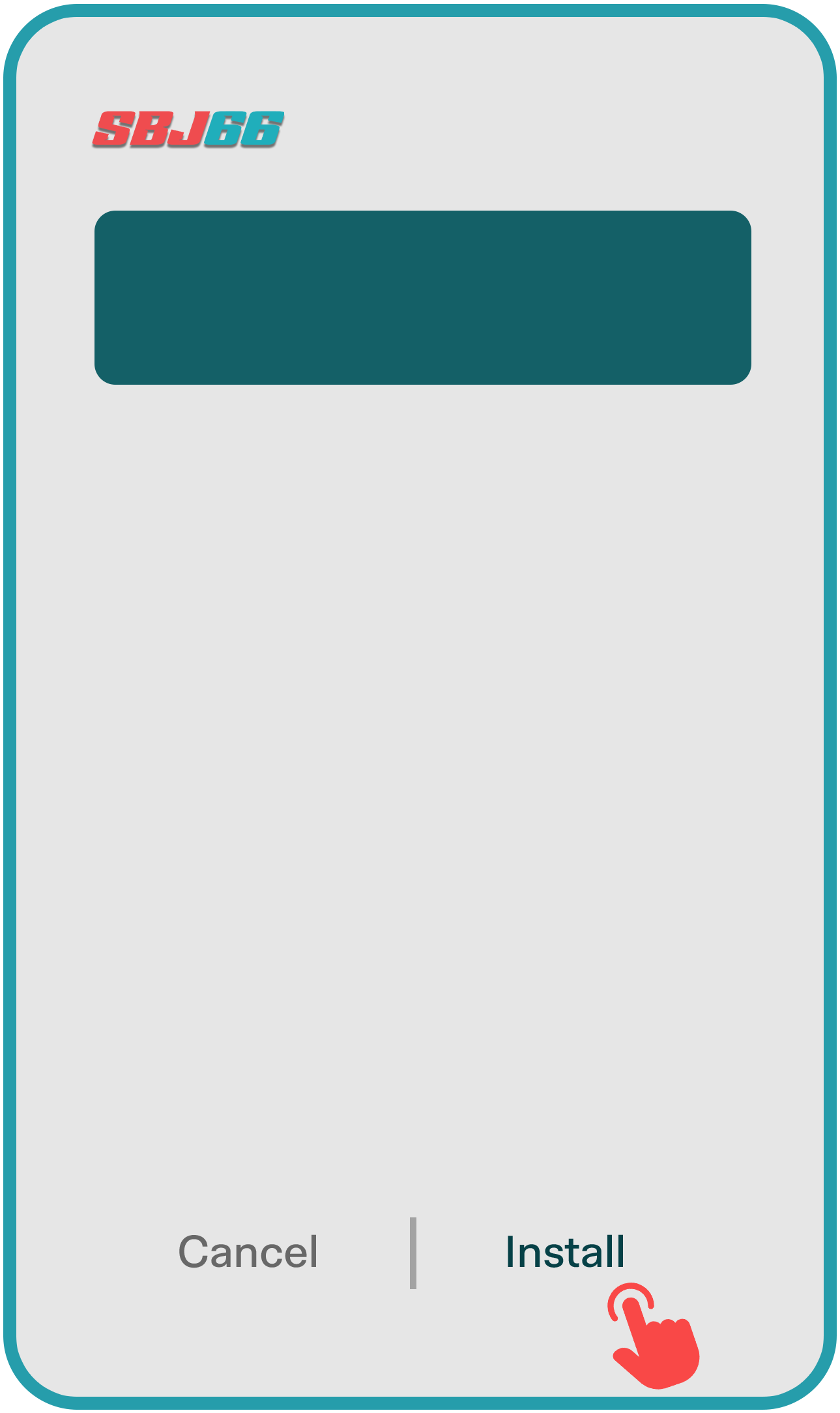
Tap “Install”
Step 06
App Installed
Step 01
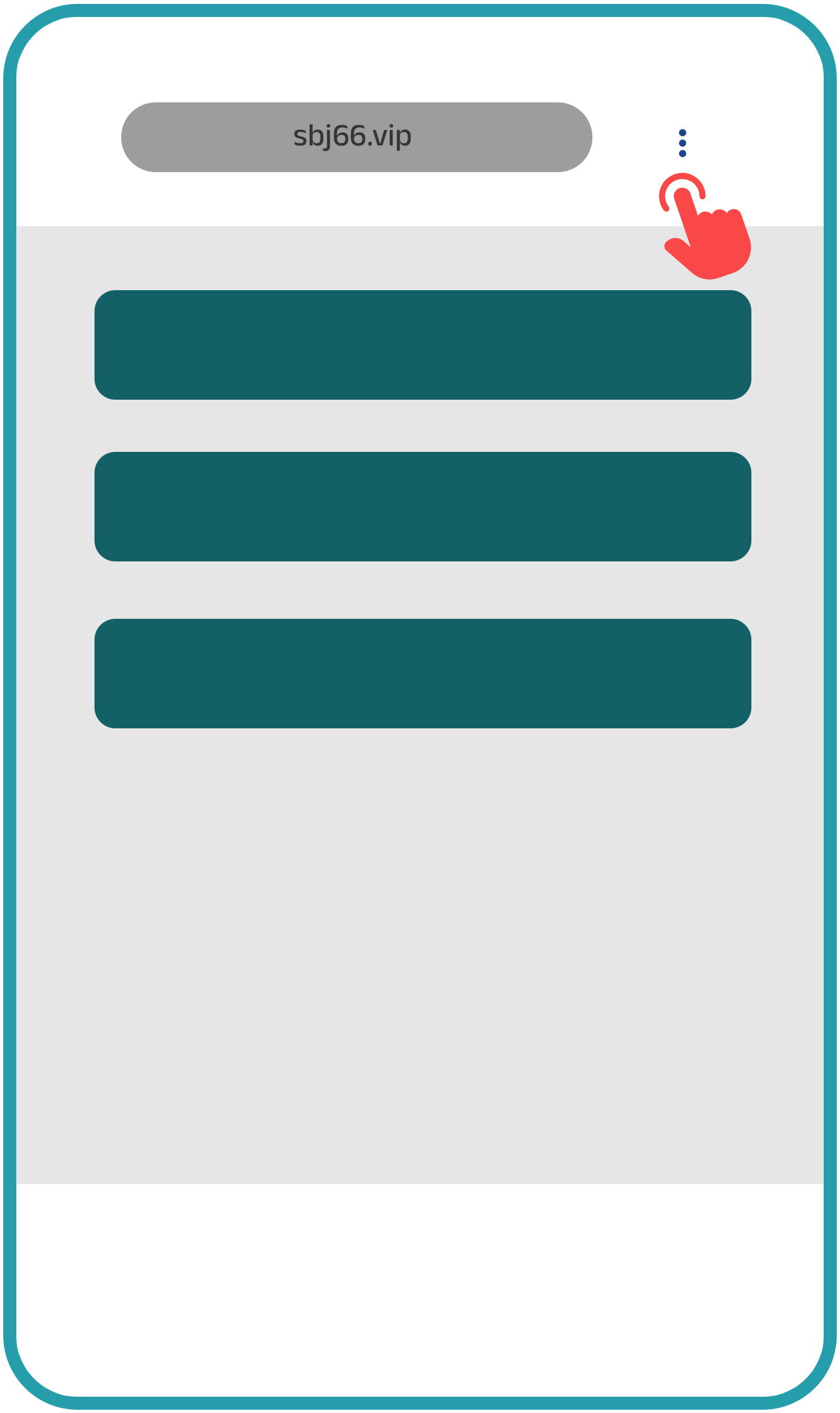
Open the SBJ66 official website in Safari browser
Step 02
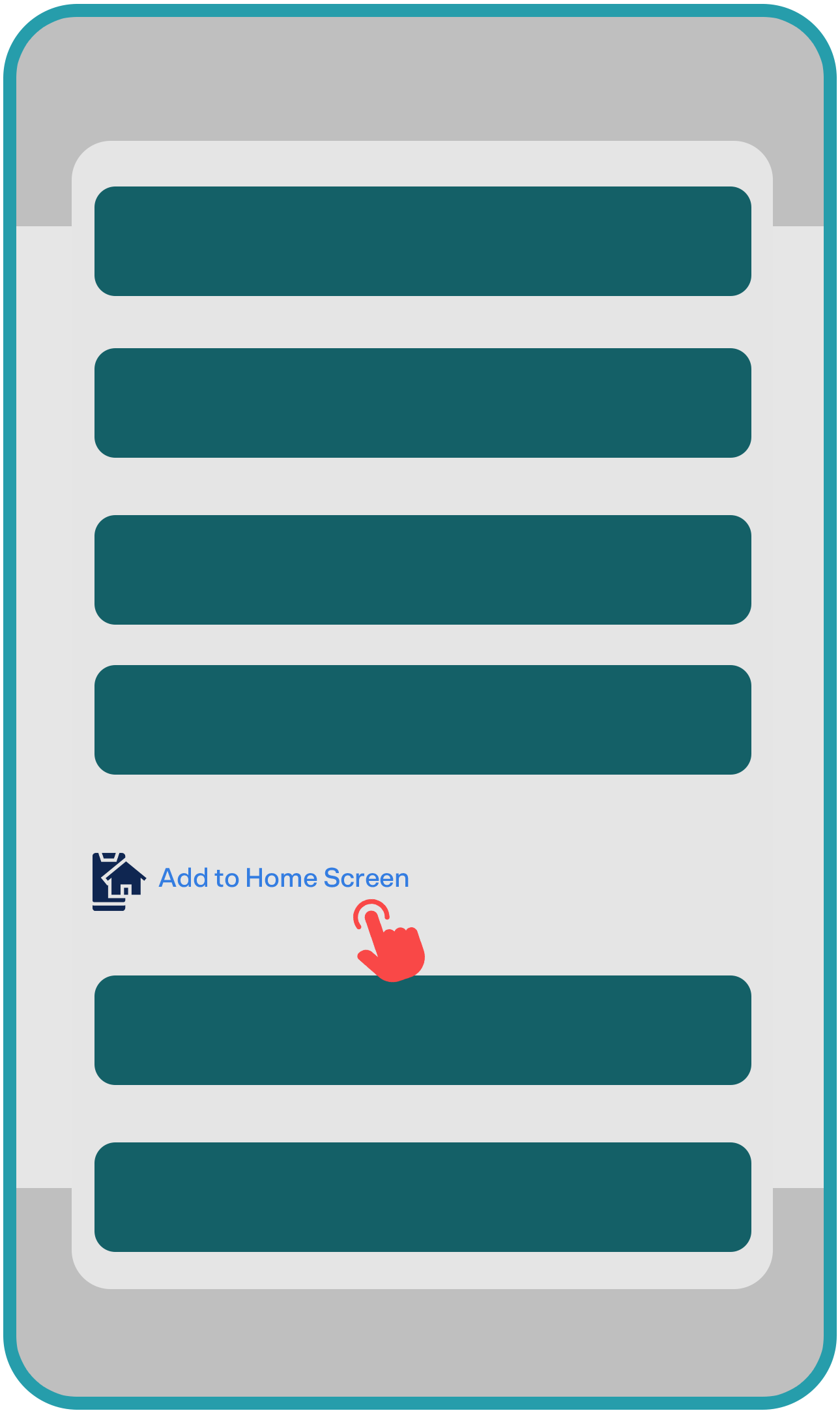
Tap on "Add to Home Screen"
Step 03
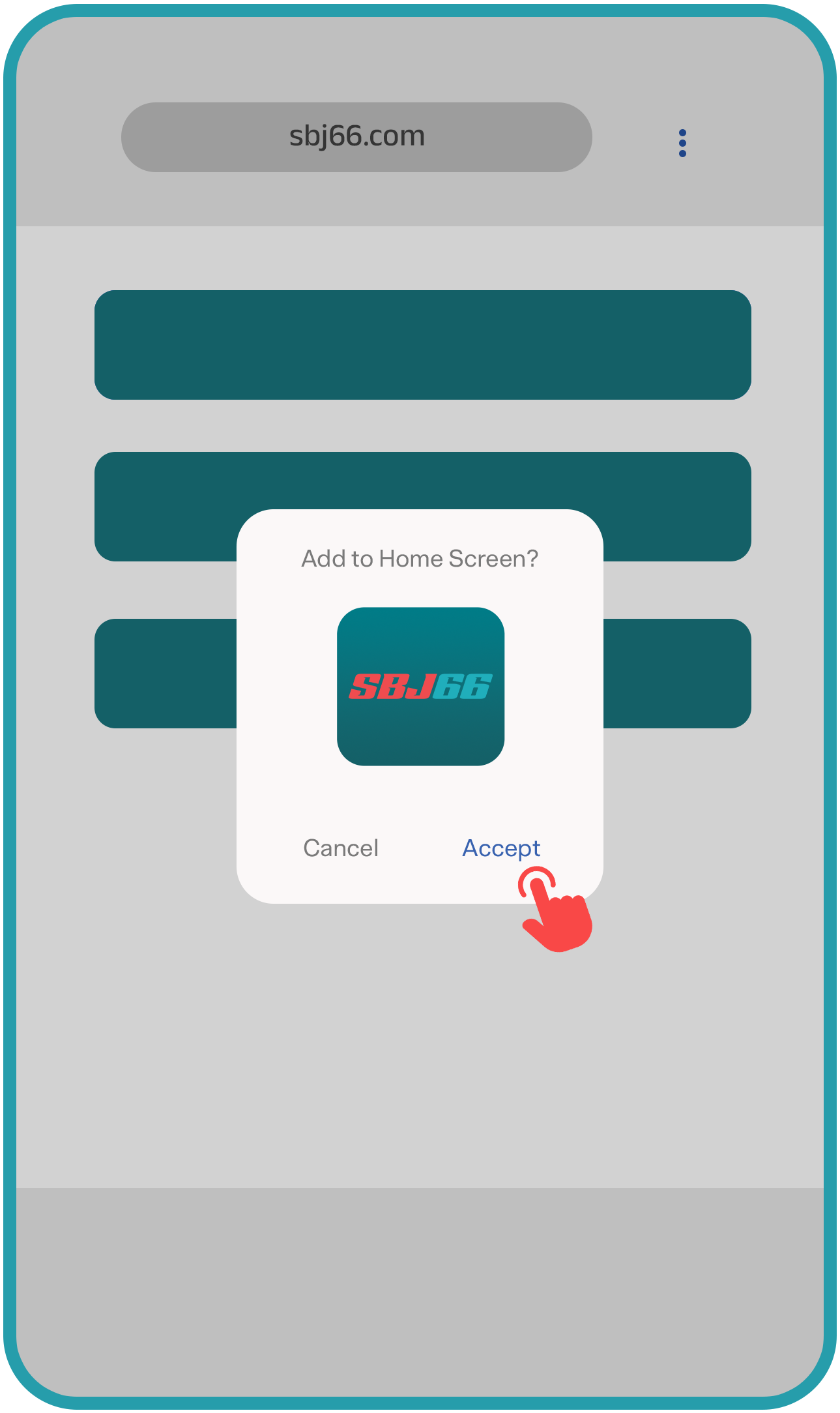
Tap on Accept to "Add on Home Screen"
Step 04
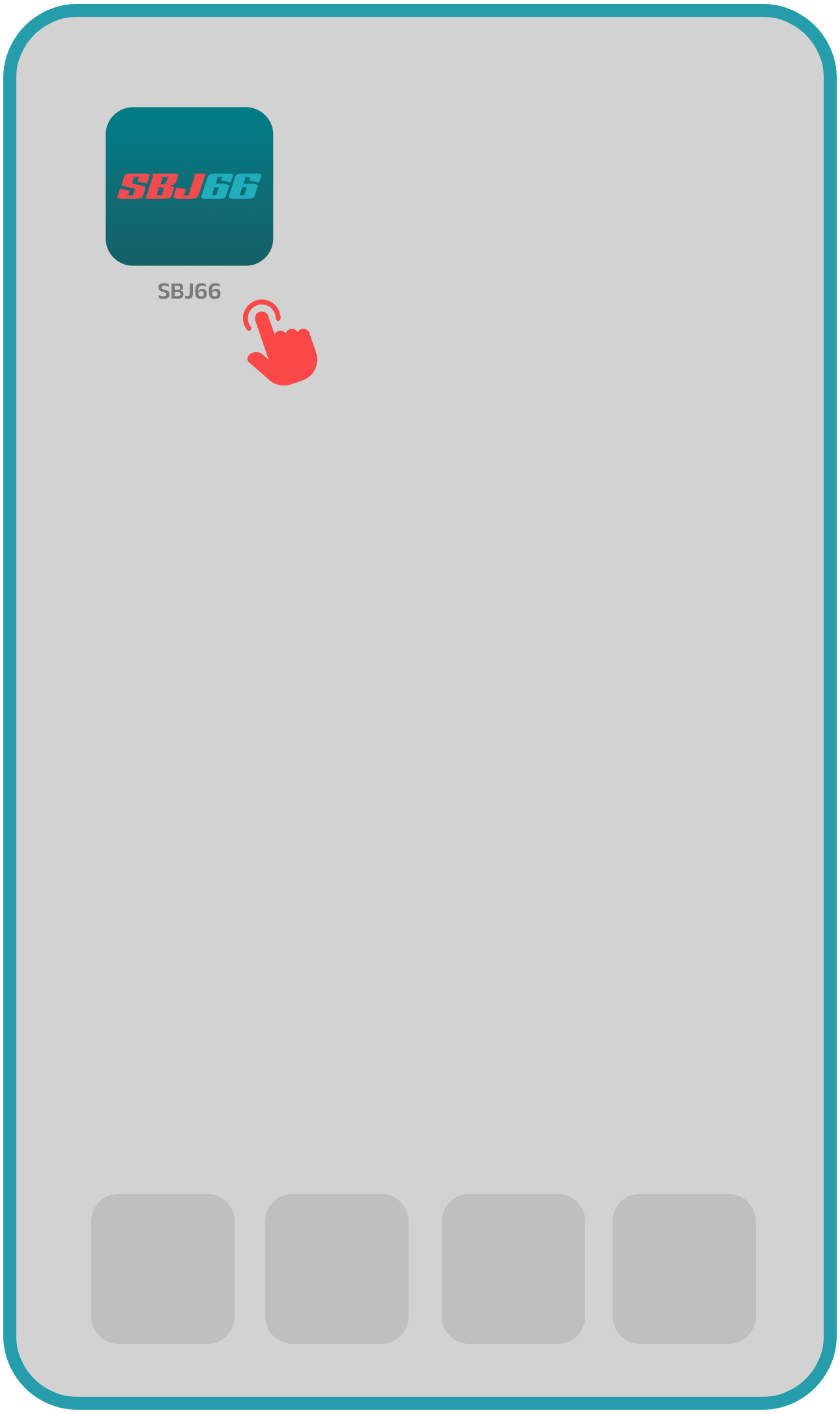
SBJ66 App successfully added